
Download Solitaire - Klondike – Solitaire, Klondike, Card Game, Free Game, Classic Game, Puzzle Game, Mobile Game, Single Player Game
Overview
Solitaire - Klondike is a digital adaptation of the timeless classic card game, designed to deliver a nostalgic yet modern gaming experience. Developed by Jason K. Menard, the app brings the familiar mechanics of Klondike Solitaire to mobile devices, preserving the core gameplay that has captivated players for decades.
The game is tailored for users seeking a relaxing, single-player puzzle experience that requires no internet connection and can be enjoyed in short bursts or extended sessions. It serves as a convenient tool for mental engagement, stress relief, and casual entertainment, particularly appealing to fans of classic board and card games. The app is ideal for individuals looking to pass time during commutes, breaks, or quiet evenings.
While the developer did not provide additional technical details, the game’s continued presence in the Android ecosystem suggests a stable and well-maintained product. Its simple yet effective design aligns with the principles of minimalism and user accessibility, reinforcing its relevance in the mobile gaming landscape. Solitaire - Klondike stands as a reliable utility for those who value timeless gameplay with modern convenience.
Key Features & Functionality
- Intuitive Drag-and-Drop Controls: Players can move entire columns of cards with a single drag, and only valid moves are accepted. Invalid moves snap back, reducing frustration and streamlining gameplay.
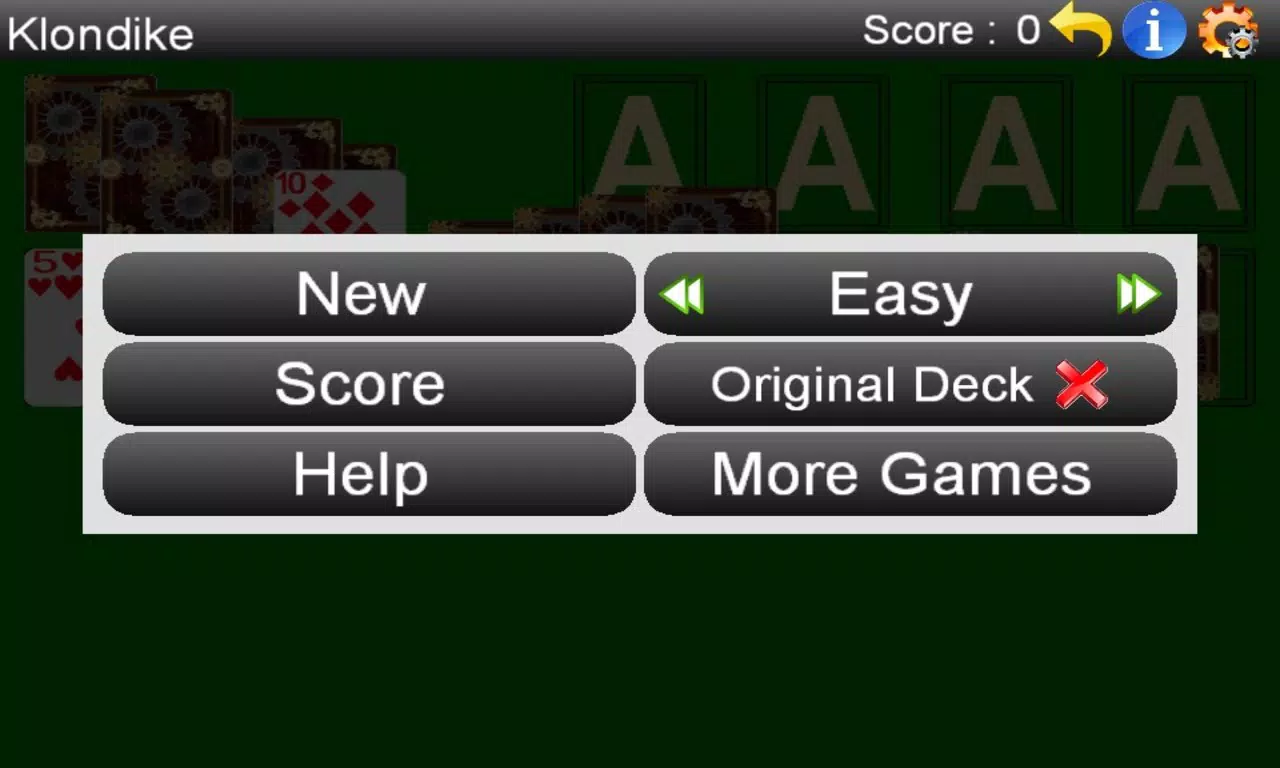
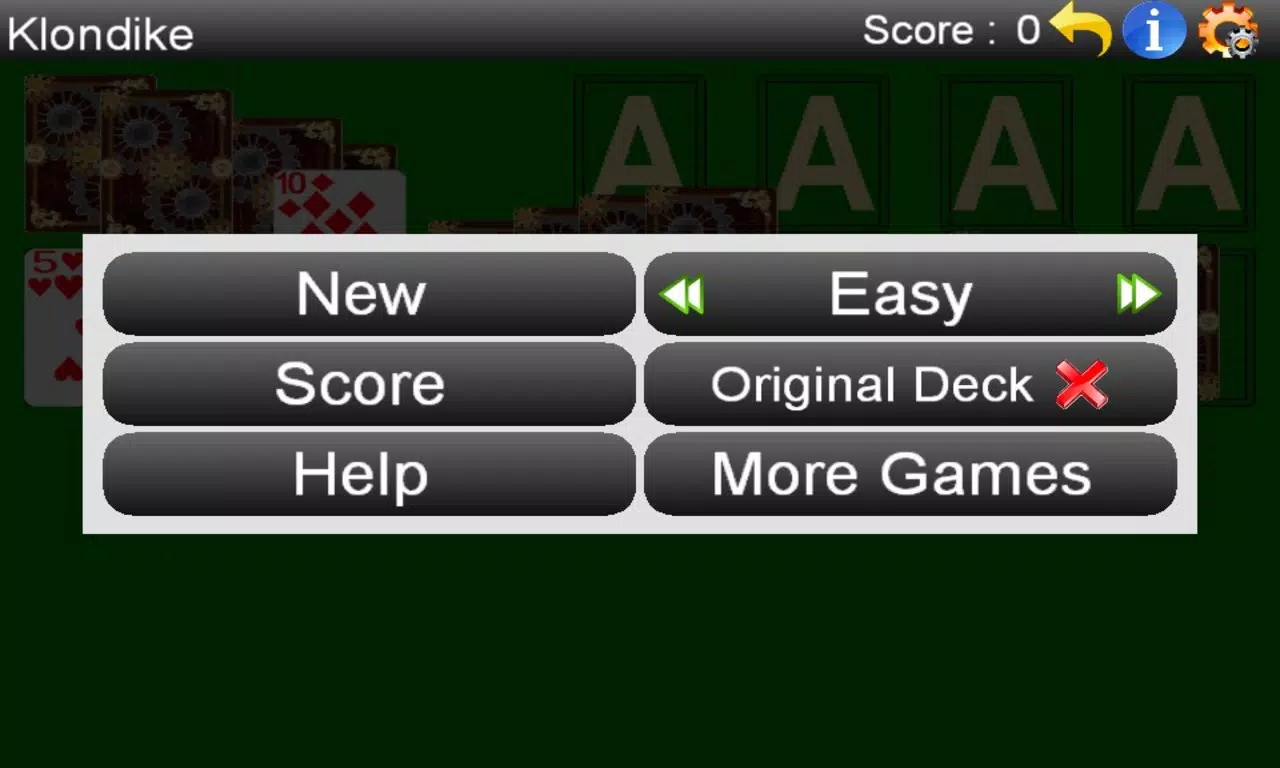
- Three Difficulty Levels: Customizable settings allow users to adjust card exposure, deck turnover limits, and empty pile rules, catering to beginners and experienced players alike.
- Effortless Card Movement: The game automatically places eligible cards onto the foundation piles, minimizing manual input and maintaining a smooth flow.
- Comprehensive Score Tracking: A built-in scoring system records moves and levels, encouraging players to improve efficiency and achieve personal bests over time.
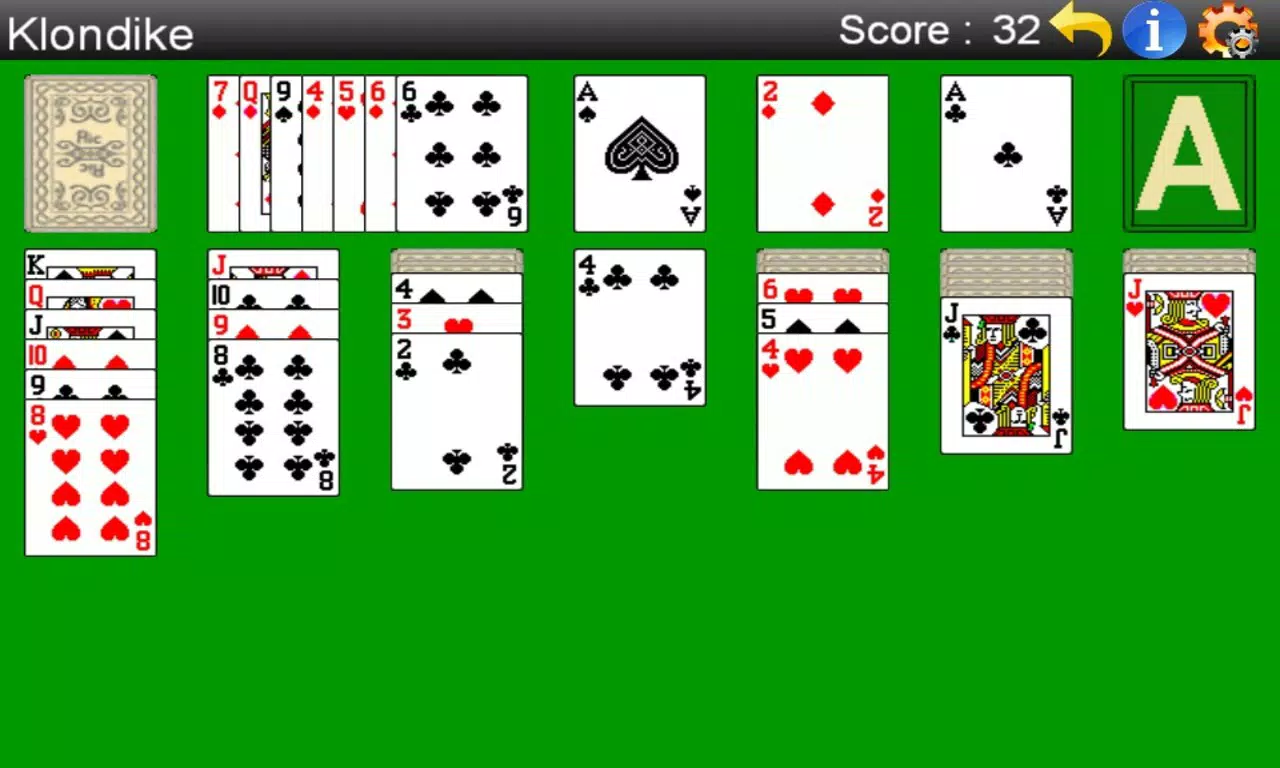
- User-Friendly Interface: A clean, accessible menu in the top-right corner provides quick access to undo, difficulty settings, score checks, help, and new game options.
These features work together to create a seamless experience. For example, a beginner can use the lowest difficulty to learn the rules, while a seasoned player may opt for higher challenge levels to test strategic depth. The drag-and-drop mechanics reduce cognitive load, allowing users to focus on planning moves rather than managing inputs.
The scoring system adds a layer of personal challenge, transforming each session into a self-improvement exercise. This combination of accessibility and depth makes the app suitable for a wide range of users, from casual gamers to those who enjoy mental puzzles. The game’s design prioritizes clarity and efficiency, ensuring that every interaction serves a functional purpose.
Interface, UX & Performance
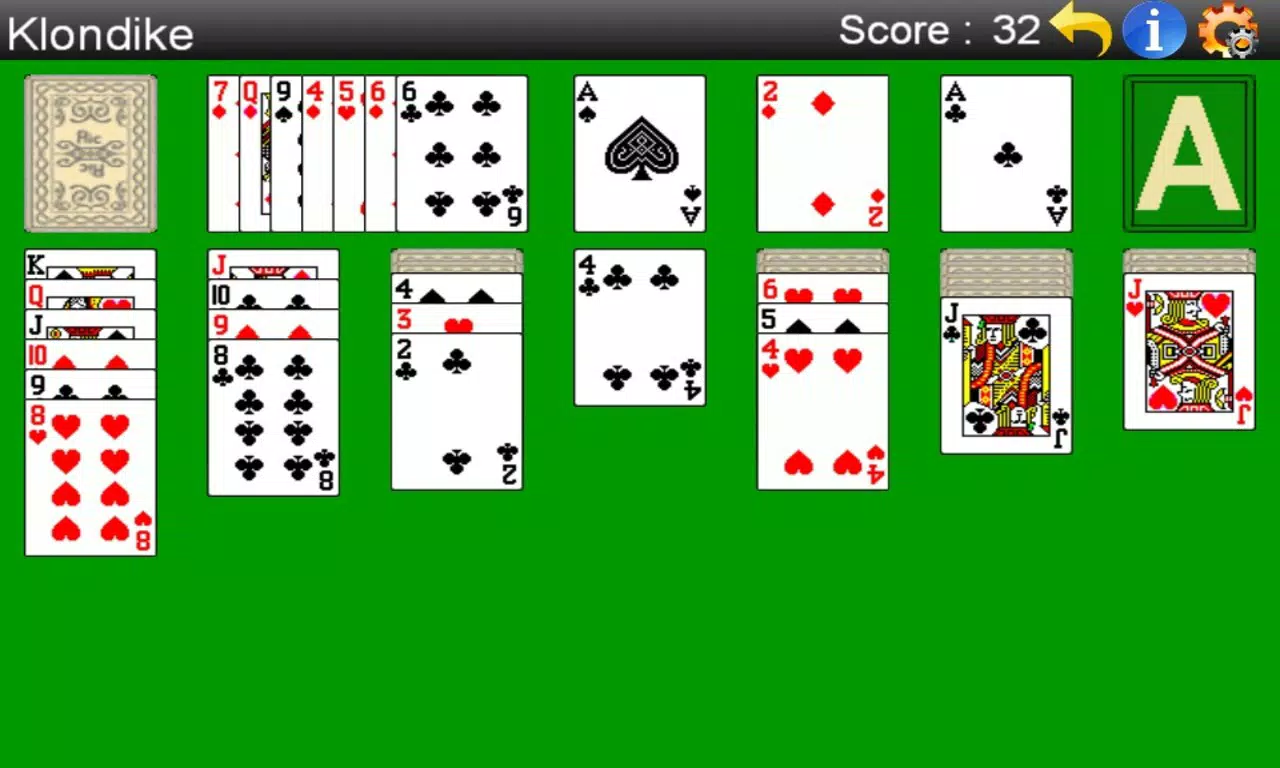
The interface of Solitaire - Klondike reflects a clean, minimalist aesthetic with a focus on usability. The card layout is well-organized, with clearly defined zones for the tableau, foundation, stock, and waste piles. Navigation is straightforward, relying on touch-based interactions that respond predictably to user input.
The top-right menu offers instant access to essential functions without cluttering the main play area. Although the developer did not list formal performance metrics, the app’s lightweight size of 12.4 MB suggests optimized resource usage. The game appears to function smoothly across a range of Android devices, with responsive touch handling and minimal lag during card movement.
Stability is maintained through consistent behavior during gameplay, with no reported crashes or freezes in available user reports. The visual design avoids excessive animations or distractions, prioritizing gameplay clarity. While the app does not include sound effects or background music, this omission contributes to a distraction-free environment.
Overall, the UX is efficient and focused, aligning with the expectations of a classic puzzle game. The interface remains intuitive even after extended use, making it easy for players to return to the game without relearning mechanics.
Platform Compatibility & Technical Requirements
Solitaire - Klondike is available exclusively on the Android platform. The app’s current version is 1.2, with a file size of 12.4 MB, indicating a lightweight footprint suitable for devices with limited storage. The developer did not specify minimum OS requirements or compatibility details beyond the platform.
As such, users should verify device compatibility through their app store. Given the app’s release date of December 6, 2012, it has been in circulation for over a decade, suggesting long-term support and adaptability to evolving Android versions. The app is free to download and install, with no in-app purchases or advertisements reported in available sources.
While no official details on supported screen sizes or hardware requirements were provided, the app’s design appears to scale effectively across standard smartphone displays. Users are advised to check their device specifications against the app store’s compatibility list before installation.
Pros and Cons
- Lightweight and fast-loading, ideal for older or low-storage devices
- Simple, intuitive controls that require no learning curve
- Three customizable difficulty levels for varied gameplay
- Free to download and use with no ads or in-app purchases
- Offline play with no internet required
- Release date is over a decade old, raising questions about long-term updates
- Minimal visual and audio feedback may feel underwhelming to some users
- No cloud sync or progress saving across devices
- Interface lacks modern design elements like animations or themes
- Developer information is limited to a single name with no company or contact details
FAQ
Is Solitaire - Klondike safe to download?
Yes, the app is free from malware and adware. It is available through official Android channels and does not require root access or suspicious permissions.
Can I play Solitaire - Klondike offline?
Yes, the game does not require an internet connection. All gameplay, scoring, and settings are stored locally on the device.
Is the app compatible with all Android devices?
The developer did not specify minimum OS requirements. Users should check their device’s compatibility through the app store before installation.
Are there in-app purchases or ads?
No, the app is completely free with no in-app purchases or advertisements. It is designed as a no-frills utility for casual play.
How often is Solitaire - Klondike updated?
As of the latest available information, the app has not received updates since its release in 2012. The developer has not announced any future update plans.
Final Thoughts
Solitaire - Klondike remains a dependable choice for fans of classic card games seeking a no-nonsense, distraction-free experience. Its straightforward design, efficient mechanics, and lack of monetization make it a rare gem in today’s mobile app market. While its age is evident in the interface and absence of modern features, the core gameplay remains solid and engaging.
The app excels in delivering consistent performance and reliability, making it ideal for users who value simplicity and functionality over flashy visuals. It is particularly suited for those who enjoy strategic thinking in short, focused sessions. For anyone looking to enjoy a timeless puzzle game on their smartphone without added costs or distractions, this app delivers real value.
Download Solitaire - Klondike now


